PhysioFlow AI · Clinical Documentation

Clinical input

Patient reports improving shoulder mobility with reduced pain during daily activity. Range of motion and strength were reassessed today.

Voice note captured

Structured assessment draft

1

Subjective findings

2

Objective findings

3

Clinical assessment

4

Plan and next steps

Slide 1 of 5: Turn clinical notes into AI-powered structured assessments in seconds.

Everything your clinic needs

A calmer way to run the whole practice

PhysioFlow connects the operational, clinical, and business work your team already does every day.

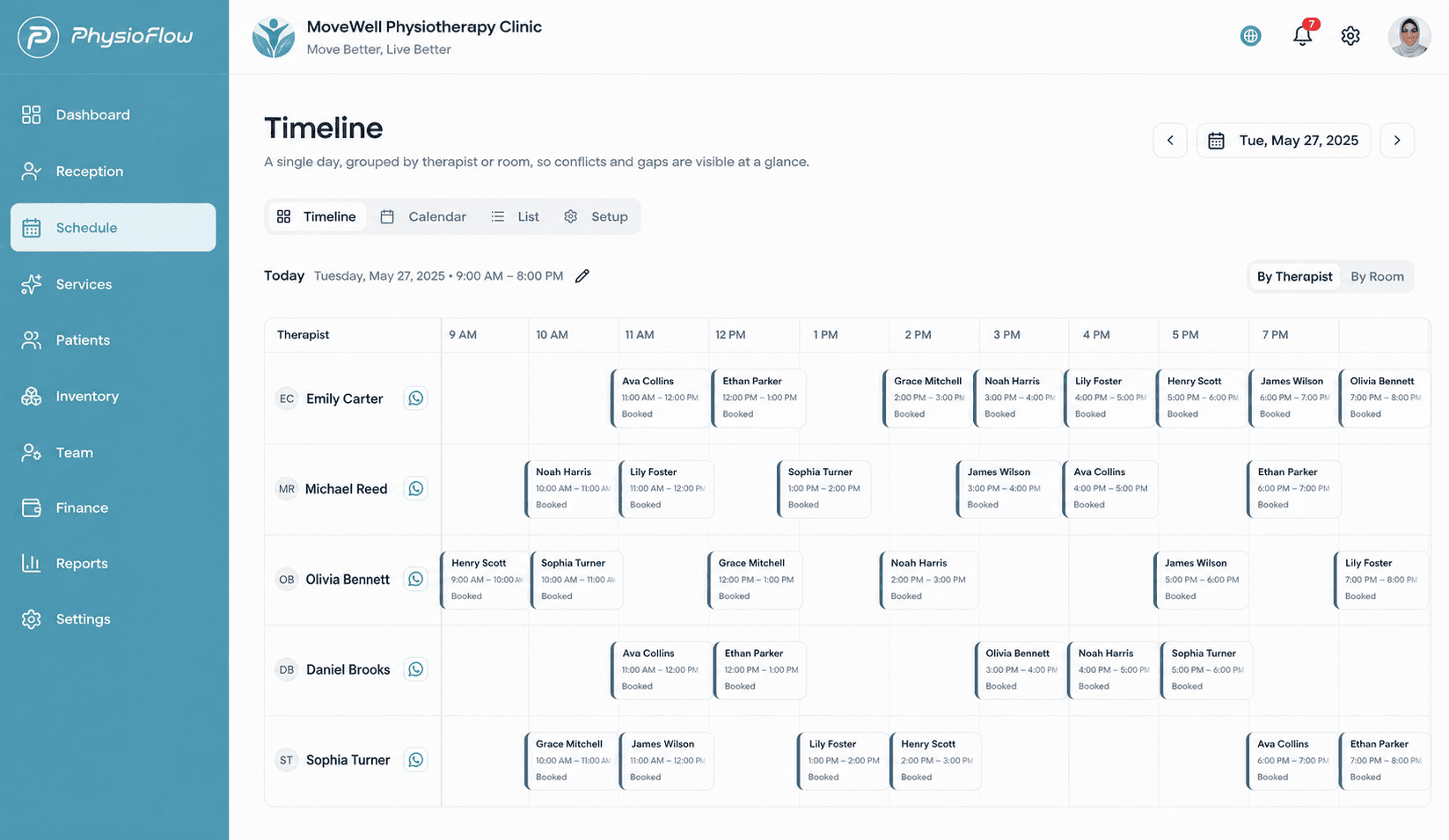
Scheduling & daily operations

Keep the front desk, therapists, rooms, and appointments moving together.

View capabilities+
  • Calendar, timeline, and list scheduling
  • Reception workflow and appointment status
  • Services, departments, rooms, and availability
  • WhatsApp-ready appointment message links

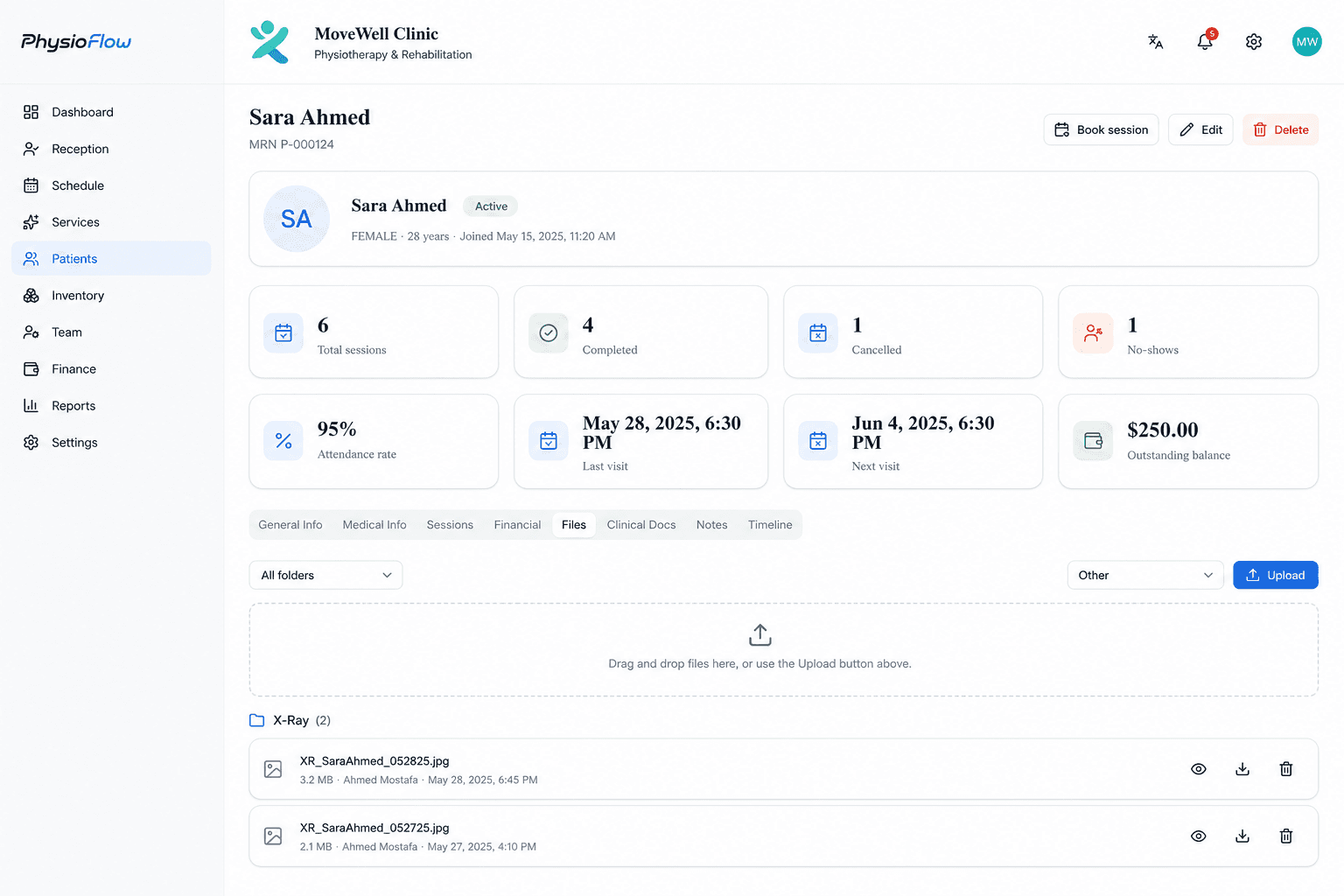
Patient & case management

Keep each patient’s history, care, files, and financial record connected.

View capabilities+
  • Patient and medical records
  • Clinical notes, cases, and session history
  • Photos, documents, scans, and attachments
  • Unified patient activity timeline

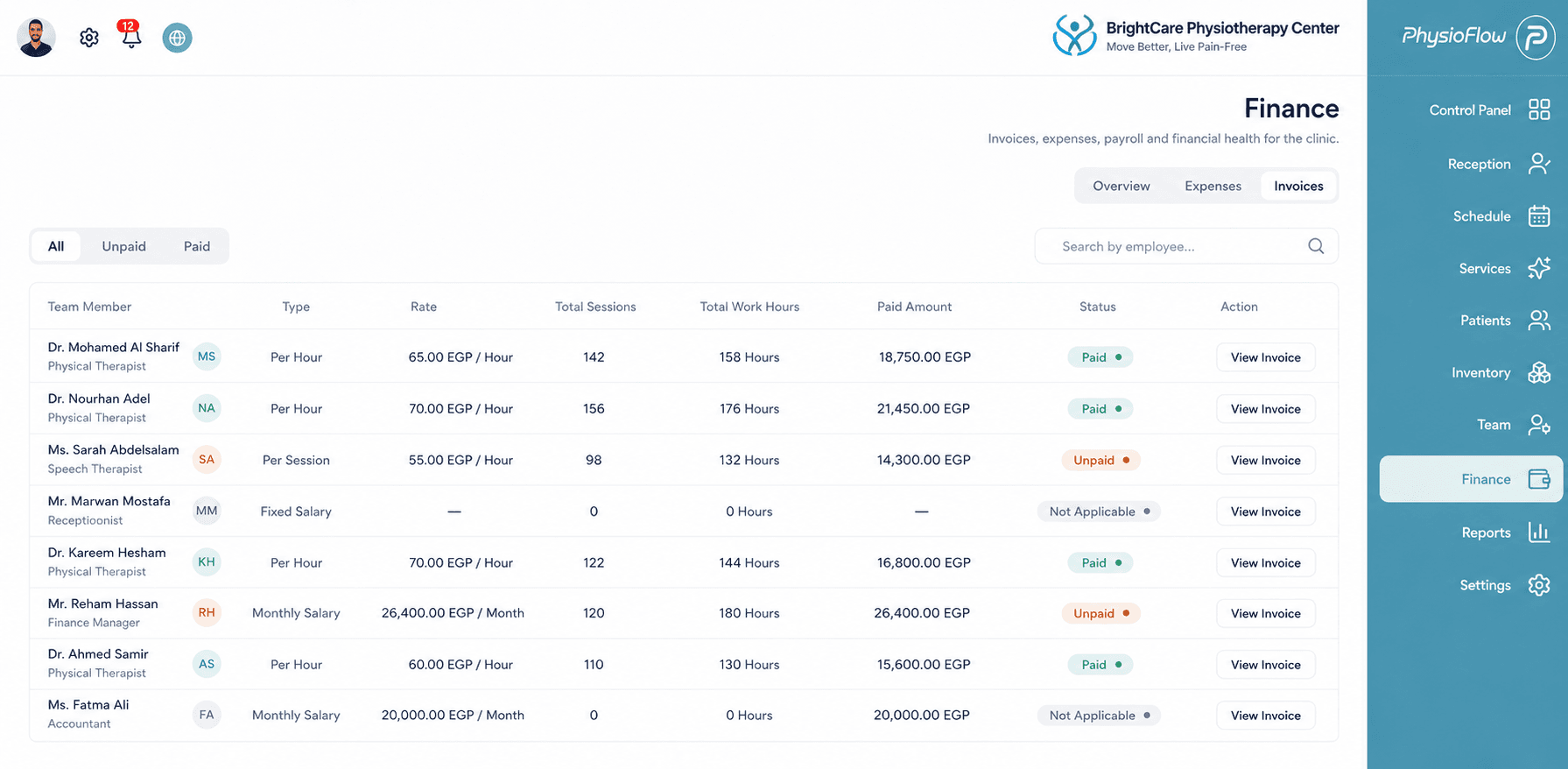
Team & access control

Give every person the access they need—without opening everything.

View capabilities+
  • Owner, manager, therapist, and reception workflows
  • Granular role-based permissions
  • Staff compensation and payroll setup
  • Schedules and performance visibility

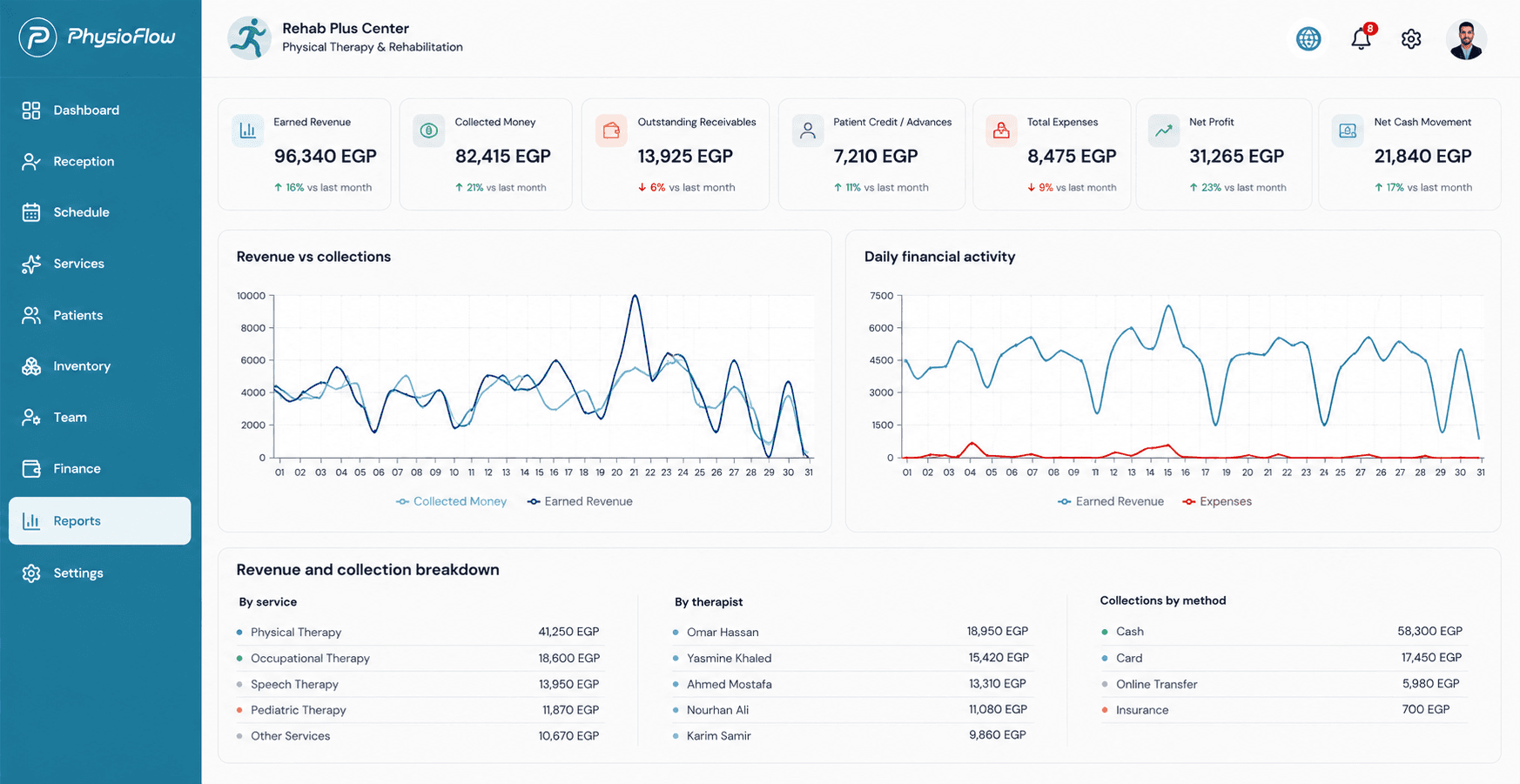
Finance & payroll

See what was earned, collected, spent, and still outstanding.

View capabilities+
  • Revenue, collections, credit, and outstanding balances
  • Expenses with supporting attachments
  • Traceable payroll and daily breakdowns
  • Receipts and patient financial history

Professional reporting

Turn clinic data into clear operational, financial, and clinical documents.

View capabilities+
  • Monthly, revenue, expense, and balance reporting
  • Clinical reports and referrals
  • Payroll, attendance, and patient statements
  • Clinic-branded print and PDF layouts

Inventory & clinic admin

Track stock and organize growing clinic operations without another spreadsheet.

View capabilities+
  • Items and current stock
  • Auditable inventory movements
  • Purchase records and expenses
  • Organization and multi-clinic management
PhysioFlow clinic reports overview

Reporting built into the workflow

Understand the clinic—and share professional documents

Use current operational data to review performance, reconcile finances, and produce clinic-branded reports for staff and patients.

Monthly clinic reportPatient financial statementSession invoiceAttendance reportPayroll reportClinical reportReferralInventory report

Practical controls for sensitive clinic work

PhysioFlow is designed around organization isolation and permission-aware access, with tools that help Owners retain control of their information.

Organization isolation

Clinic data is scoped to the correct organization and clinic.

Role-based access

Owners control what managers, therapists, and reception staff can view or manage.

Portable backups

Organization Owners can generate complete verified backup archives.

Plans for every stage

Start small. Add capacity when you need it.

Start with a 7-day free trial, move to a ready-to-run Starter plan, or configure capacity for a growing organization.

Checking your regional pricing preference…

Loading…

Common questions

Know what to expect before you start

Straight answers about plans, access, and how PhysioFlow fits a growing practice.

Is the Free plan a trial?+

Yes. Every new clinic gets a 7-day free trial with no credit card required, so you can try the core scheduling, patient, and clinic-management workflow before choosing a paid plan.

Do I need a credit card to start?+

No. You can create your clinic and start your 7-day free trial without entering a credit card.

Can I use PhysioFlow from mobile and laptop?+

Yes. PhysioFlow is browser-based and responsive, so authorized users can work from supported laptop and mobile browsers.

Is my clinic tied to one computer?+

No. Your organization workspace is accessed online rather than stored as an isolated local-PC system, so an authorized user can continue from another supported device.

Can staff have different permissions?+

Yes. PhysioFlow supports role-based access and granular permissions for Owner, management, therapist, reception, and other staff workflows.

Is each organization kept separate?+

Yes. Application access and business data are scoped to the authenticated organization and clinic, with Owner-controlled access and portable organization backups.

Which documents can the clinic create?+

Available outputs include monthly clinic reports, payroll and attendance reports, patient invoices and financial statements, clinical reports, referrals, and inventory reporting.

Can I upgrade later without losing my data?+

Yes. Plans are designed to grow with your organization, so upgrading adds capacity and features without creating a new clinic workspace.

How is paid checkout handled?+

International paid subscriptions use secure USD checkout through Paddle. Egypt pricing is shown in EGP for clarity; the current paid checkout still charges the disclosed USD amount through Paddle.

One app. Every device.

Install PhysioFlow

Install PhysioFlow directly on your phone, tablet, or computer for fast, focused access with the feel of a dedicated app.

Preparing install…No app store required
Windows / DesktopInstall from Chrome or Edge
AndroidUse the install prompt in Chrome
iPhone / iPadAdd from Safari's Share menu

Bring your clinic workflow into focus

Start your 7-day free trial, explore the platform, and choose a plan when you're ready.

Physical Therapy Practice Management Software